Installation
$ npm install debug
Usage
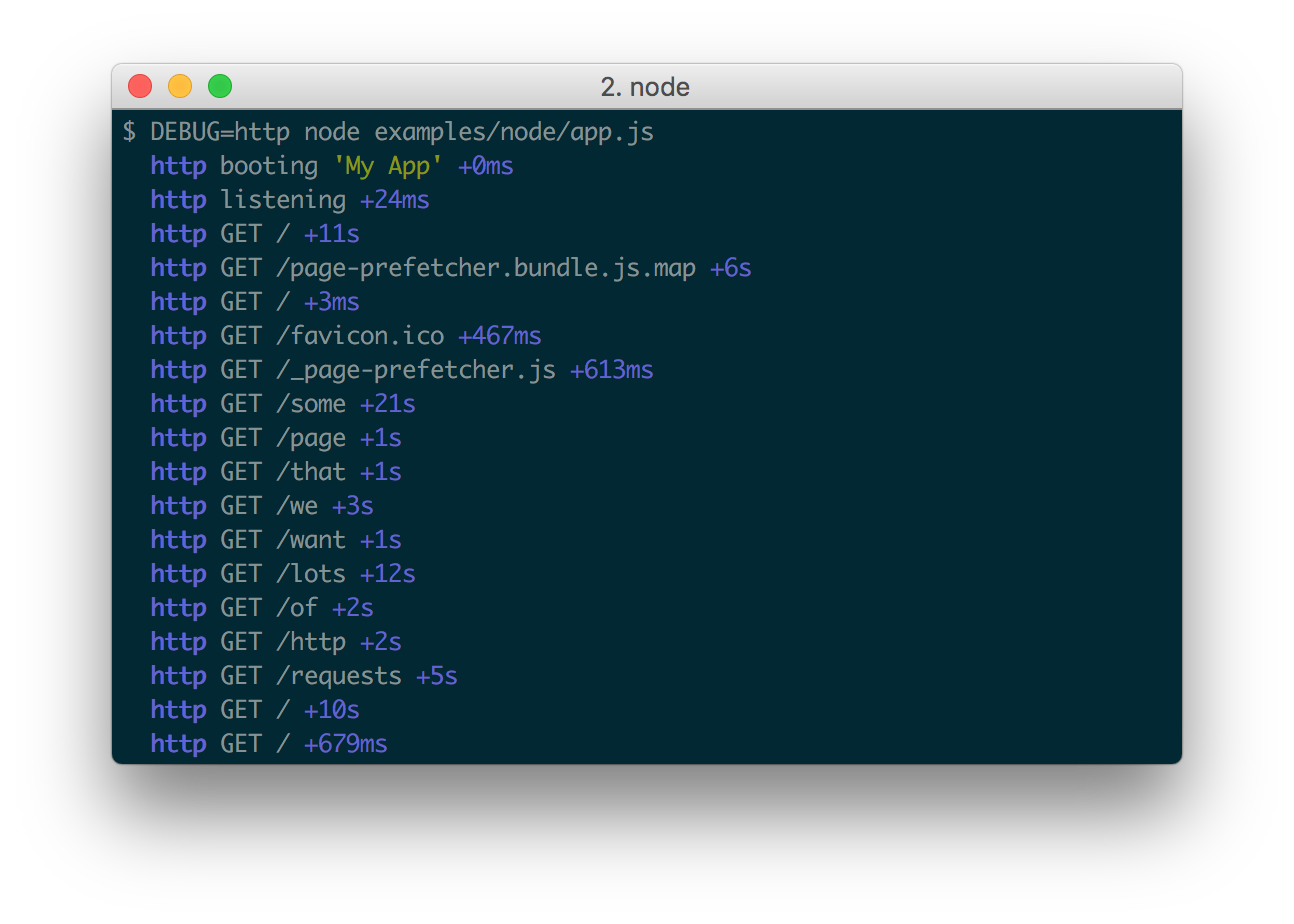
debug exposes a function; simply pass this function the name of your module, and it will return a decorated version of console.error for you to pass debug statements to. This will allow you to toggle the debug output for different parts of your module as well as the module as a whole.
Example app.js:
var debug = require('debug')('http')
  , http = require('http')
  , name = 'My App';
// fake app
debug('booting %o', name);
http.createServer(function(req, res){
  debug(req.method + ' ' + req.url);
  res.end('hello\n');
}).listen(3000, function(){
  debug('listening');
});


// fake worker of some kind
require('./worker');
Example worker.js:
var a = require('debug')('worker:a') , b = require('debug')('worker:b');
function work() {
a('doing lots of uninteresting work');
setTimeout(work, Math.random() * 1000);
}
work();
function workb() {
b('doing some work');
setTimeout(workb, Math.random() * 2000);
}
workb();
a('doing lots of uninteresting work');
setTimeout(work, Math.random() * 1000);
}
work();
function workb() {
b('doing some work');
setTimeout(workb, Math.random() * 2000);
}
workb();
The
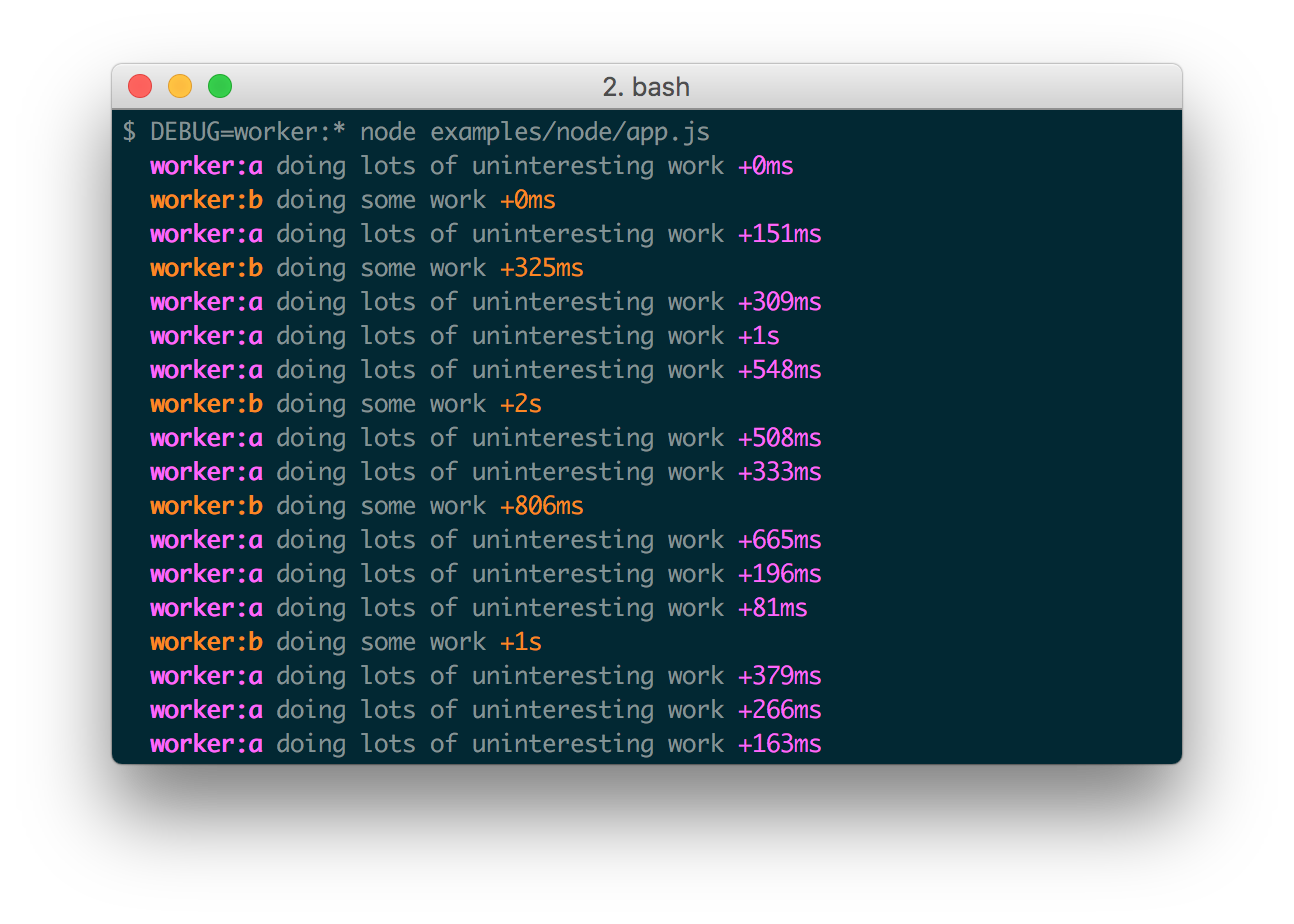
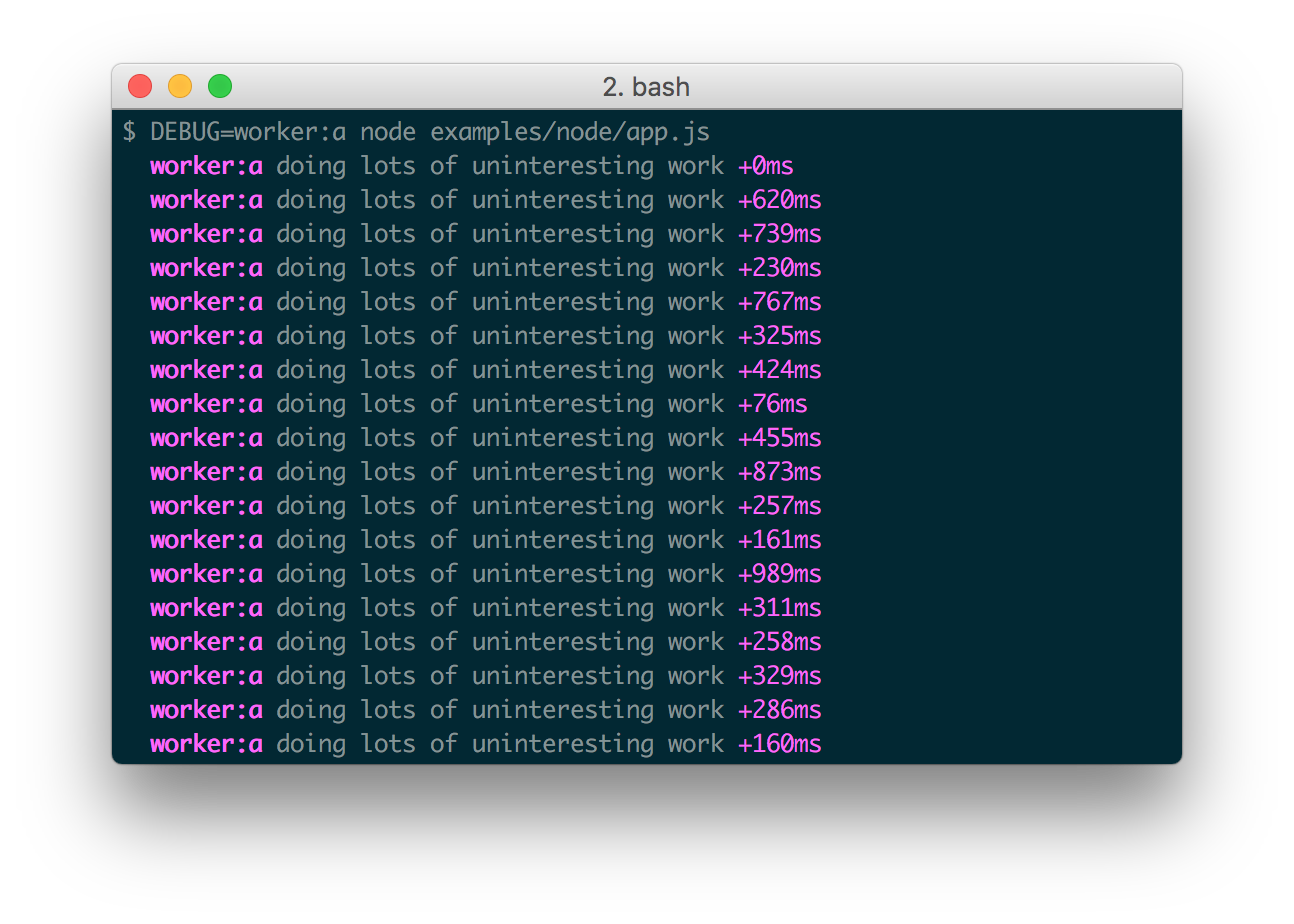
DEBUG environment variable is then used to enable these based on space or comma-delimited names.
Here are some examples: